What is a Service Catalog? How to Build One Employees Actually Use in 2026
A service catalog shouldn't just be an IT directory that collects digital dust. Discover what a modern service catalog actually is, how it spans across IT, HR, and facilities, and the exact steps you can take to build a user-friendly hub that your employees will actually use to get work done.
On this page
- What It Is: A service catalog is the structured menu of IT services an organization offers to its employees — with defined request forms, fulfillment workflows, and SLAs for each item.
- Why It Matters: A well-designed service catalog deflects 20-30% of IT tickets through self-service and reduces average fulfillment time from days to hours or minutes for catalog-eligible requests.
- Business vs Technical Catalog: The business service catalog is employee-facing and describes services in plain language. The technical catalog documents the underlying infrastructure and is used by IT. Both serve different audiences and should be designed accordingly.
- What to Include First: Build catalog items for your top-10 request types by volume. These typically cover 60-70% of all IT requests and deliver the fastest visible value.
- The Adoption Rule: Employees will use the catalog if it is faster than emailing IT. Every design decision should be evaluated against this criterion.
- WorkVerge: WorkVerge's service catalog connects each catalog item directly to the fulfillment workflow that executes it — so requests fulfill automatically rather than creating manual IT work.
Introduction
When an employee needs new software installed, a password reset, or a piece of equipment replaced, they should not have to figure out who to ask, what information to provide, or how long it will take. A service catalog answers all three questions before the request is even submitted: here is what we offer, here is what we need from you to fulfill it, and here is how long it will take.
A service catalog is the structured, employee-facing menu of IT services that an organization offers — organized in a way that makes it easy for employees to find what they need, submit a complete request, and track its progress. Done well, it is one of the highest-value investments in the entire IT operations toolkit. According to Gartner, organizations with mature service catalogs deflect 20-30% of IT tickets through self-service within the first 90 days, and reduce average fulfillment time for catalog-eligible requests by 60-70% compared to ad-hoc request handling.
Done poorly, a service catalog is a list of IT services written in technical language that employees cannot parse, organized by IT's internal structure rather than how employees think about their needs, and buried in a portal that nobody knows exists. The difference between these two outcomes is almost entirely design, not technology.
What is a Service Catalog?
A service catalog is a centralized, organized list of IT services that an organization provides to its users, with each service described in terms the user understands, supported by a request intake form that collects what IT needs to fulfill the request, and connected to a fulfillment workflow that executes the delivery. It is the bridge between what employees need and what IT delivers.
The ITIL 4 framework defines the service catalog as a component of the service portfolio, describing the services currently available for use. In practice, most IT organizations distinguish between two types of catalog that serve different audiences with different information needs.
Describes services in plain language non-technical users understand. "Request New Software," "Replace Broken Laptop," "Get Access to a System." Each entry describes what the service delivers, what the employee needs to provide, and how long fulfillment takes. This is what employees see in the self-service portal.
Maps each business service to the underlying infrastructure, systems, and teams required to deliver it. "Request New Software" maps to the deployment tool, the license management system, the IT team responsible, and the approval workflow. Used by IT to maintain and improve services — not by employees to request them.
Both are necessary, but they serve different audiences and should be designed accordingly. Conflating them — writing catalog entries that combine employee-facing descriptions with IT-facing technical details — is one of the most common reasons service catalogs are hard to use.
What Belongs in a Service Catalog
The right question is not "what could we put in the catalog?" It is "what do employees actually request?" Building catalog items for services employees rarely need creates a cluttered, hard-to-navigate catalog that employees abandon in favor of emailing IT directly.
The starting point is your actual request data. Pull the last 90 days of IT requests from whatever system or inbox they are currently landing in, group them by type, and rank by volume. The top 10 request types almost always cover 60-70% of total request volume and represent the highest-leverage catalog items to build first.
Common top-10 request types that appear across most organizations include: password reset or account unlock, new software installation, laptop or equipment request, system access request, VPN setup, email account creation, printer or peripheral support, software license allocation, remote work setup, and hardware issue or repair. These are the catalog items that, once built, produce immediate visible value — employees find what they need faster, IT receives complete information without follow-up questions, and fulfillment time drops because the workflow executes the standard steps automatically.
Fulfillment Tiers: Not All Requests Are Equal
Service catalog items should be organized by fulfillment complexity, because different request types require different levels of IT involvement and benefit from different levels of automation.
Tier 1: Fully Automated Fulfillment
Requests that can be fulfilled entirely by an automated workflow with no IT analyst involvement. Password resets via verified identity confirmation, standard software available in a deployment catalog, and access provisioning for pre-approved systems are common Tier 1 candidates. These requests benefit most dramatically from the service catalog: what previously required a ticket, analyst assignment, and manual execution now completes automatically in minutes. The investment in building the fulfillment automation is repaid within weeks for high-volume request types.
Tier 2: Assisted Fulfillment
Requests that require an analyst to execute specific steps but do not require significant judgment or expertise. Equipment replacement requests (the analyst orders from an approved vendor catalog and ships to the employee's address), non-standard software installation (requires compatibility check and IT approval before deployment), and access to systems with sensitivity classifications (requires manager approval before IT provisions). The service catalog pre-populates the ticket with all required information, routes it to the right team, and tracks fulfillment against the SLA — but a human performs the actual fulfillment steps.
Tier 3: Managed Projects
Requests that require IT planning, scoping, and multi-step execution over days or weeks. New system deployments, infrastructure configuration changes, and significant security assessments are common Tier 3 requests. The service catalog creates the request record and sets the initial expectation (scope discussion within 2 business days, project timeline within 1 week), but the fulfillment is managed as a project rather than a standard workflow execution.
Design Principles: Why Employees Use or Ignore the Catalog
A service catalog that employees do not use is an expensive IT documentation exercise. The adoption question comes down to one criterion that supersedes all others: is the catalog faster than emailing IT? If submitting a catalog request takes 3 minutes and the employee knows from experience that emailing IT gets a response in 20 minutes, the catalog wins. If submitting a catalog request is slower, more confusing, or produces worse outcomes than informal channels, employees will default to the informal channels regardless of how much the organization invested in the catalog.
"Request New Software Installation" is employee language. "Submit a Software Asset Provisioning Request for End-User Deployment" is IT language. The catalog is a user-facing product, not an IT documentation system. Every item title should describe the outcome the employee wants, not the process IT follows to deliver it. If the IT team cannot agree on an employee-friendly description without a meeting, the catalog item needs a content review before it goes live.
IT organizes services by team (network team, endpoint team, access management team) or by technical domain (infrastructure requests, software requests, security requests). Employees organize their needs by the work they are trying to do ("I need to get a new laptop" or "I need access to a system"). The catalog should be organized around the employee's mental model, not IT's organizational chart. A single employee-facing category like "My Equipment" that covers both laptop requests and peripheral support is more intuitive than separate categories for "Hardware Procurement" and "Endpoint Support."
Every field on a catalog intake form that an employee cannot fill in accurately is a potential abandonment point. If the form asks for a "cost center code" and the employee does not know theirs, they abandon the form and email IT. The form should collect only what IT genuinely cannot infer from the employee's identity record. Cost center, manager name, department, and location can all be pre-populated from the HR or identity system. The employee should provide only what is specific to this particular request.
Employees who submit a request and receive no acknowledgment of when to expect fulfillment will email IT to follow up, negating the time savings the catalog was supposed to create. Every catalog item should display the expected fulfillment time prominently: "Standard laptop replacement: typically 3-5 business days." The acknowledgment email that follows submission should confirm the request, confirm the expected fulfillment window, and provide a link to track status. Employees who can track their own request status generate dramatically fewer follow-up tickets.
Catalog adoption rate (percentage of eligible requests submitted through the portal rather than email or phone) is the primary success metric for a service catalog. Low adoption on a specific catalog item is a signal that the item is hard to find, hard to complete, or produces worse outcomes than the informal channel. Address the root cause rather than adding more catalog items until the existing ones are adopted consistently. A catalog with 10 well-adopted items outperforms a catalog with 50 items where 40 are rarely used.
How WorkVerge Powers the Service Catalog
WorkVerge's service catalog is designed around the principle that a catalog item should execute its fulfillment workflow automatically, not create manual IT work. Each catalog item is connected to the workflow that delivers it, so that when an employee submits a request, the process runs — not the analyst's to-do list grows.
- Workflow-Connected Catalog Items: Every catalog item in WorkVerge is backed by a fulfillment workflow that routes the request, collects approvals if required, triggers automated actions, and notifies stakeholders at each step. The connection between the catalog item and the workflow is configured once and executes consistently for every submission.
- Pre-Population from HR and Identity Data: WorkVerge integrates with HR systems and identity providers to pre-populate employee details — cost center, manager, department, location, assigned devices — on every catalog request. Employees fill in only the information specific to their particular request.
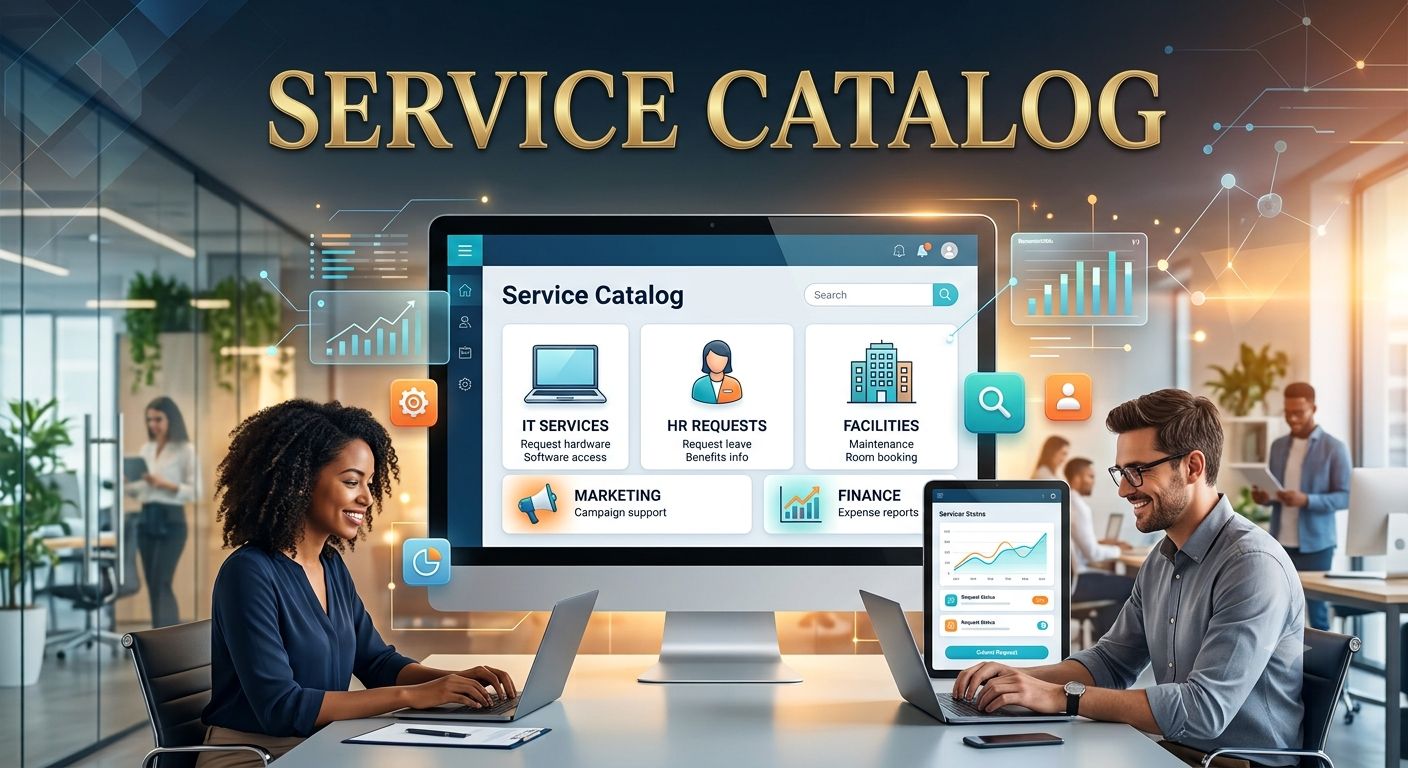
- Multi-Department Service Delivery: WorkVerge's service catalog covers IT, HR, and facilities service requests through a single employee-facing portal. Employees submit requests to any department through the same interface, regardless of which team fulfills them. The employee experience is consistent; the fulfillment routing is intelligent.
- SLA Tracking and Visibility: Every catalog item has a defined SLA displayed at the point of submission and tracked against actual fulfillment time. Analysts see approaching SLA breaches before they occur. Employees can track the status of their own requests without submitting follow-up tickets. The self-service portal for building and managing the complete catalog is covered in Building Self-Service Employee Portals.
Conclusion
The service catalog is the employee-facing interface of the entire ITSM program. It is where every investment in incident management, change management, and service delivery governance becomes visible to the people the program is designed to serve. A catalog that employees use consistently — because it is faster and easier than the alternatives — produces the self-service adoption numbers and fulfillment time improvements that justify ITSM investment to business leadership.
The path to that outcome is not building a comprehensive catalog before launch. It is building 10 high-adoption catalog items that cover 70% of request volume, measuring adoption rigorously, and expanding from evidence rather than from the goal of completeness. The catalog that gets used consistently will always outperform the catalog that covers everything but is navigated by no one.
Ready to build a service catalog that employees actually use? WorkVerge connects each catalog item to the fulfillment workflow that executes it — reducing IT work rather than just reorganizing it.
Start Your 30-Day Free TrialNo credit card required · Full premium access · Connect in under 10 minutes
Share this article