Vendor Intelligence: How to Stop Managing SaaS Invoices Manually
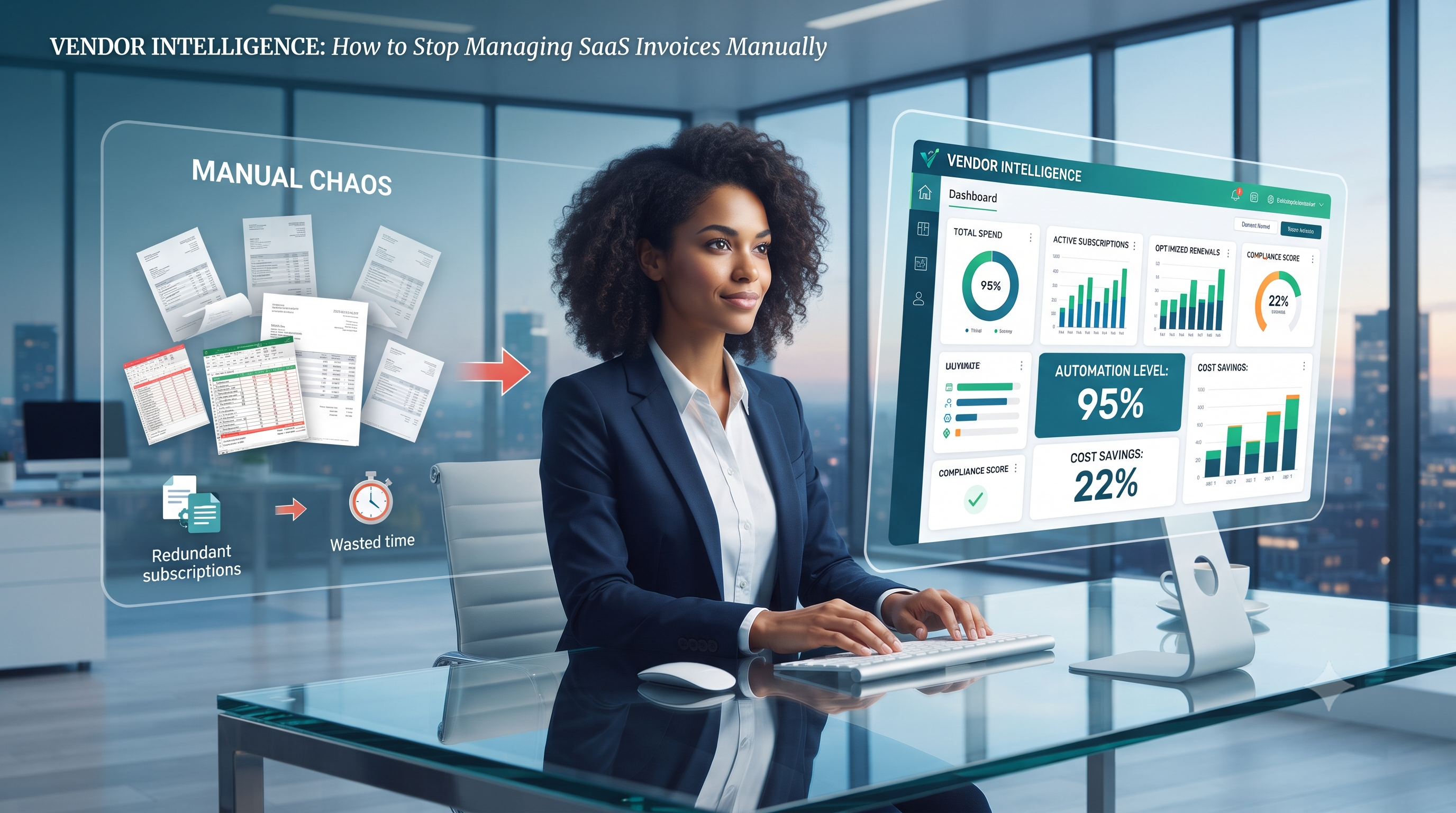
Managing SaaS subscriptions shouldn't mean drowning in a sea of scattered spreadsheets, hidden costs, and endless manual invoice processing. As software stacks expand, finance and IT teams face mounting friction tracking redundant licenses and chasing payment approvals. Discover how modern Vendor Intelligence transforms this administrative chaos into a streamlined, automated workflow, helping your organization reclaim wasted time, optimize spending, and gain total visibility into your software ecosystem.
On this page
- The SaaS invoice problem: The average mid-market organization manages 100+ SaaS vendors. Their invoices arrive as forwarded PDFs, credit card statements, and email confirmations — none of which are structured data. The result is a subscription inventory that is always incomplete, often wrong, and invisible to the finance team that needs to govern it.
- Why spreadsheets fail: SaaS subscription spreadsheets are always behind reality. New subscriptions are added without updating the sheet. Prices change without the record reflecting it. Vendors get renamed, acquired, or rebrand and the record stops matching the invoice. Manual SaaS tracking is not a process problem — it is a data structure problem that spreadsheets cannot solve.
- Vendor intelligence automation: Inbound invoice processing that parses vendor PDFs, matches them to known vendors using domain, tax ID, and alias scoring, extracts billing amounts and periods, and creates or updates subscription records — without manual data entry at any step.
- The learning loop: Every manual correction improves future matching accuracy. A vendor matched incorrectly once and corrected teaches the system a new matching rule — tax ID, domain pattern, invoice format — that applies to every future invoice from that vendor. The system gets more accurate the more it is used.
- What it connects to: Vendor intelligence feeds directly into ITAM (subscription records linked to SaaS assets), ITSM (license counts available in ticket context), and cost optimization (duplicate subscriptions and unused seats visible without a manual audit).
Introduction: The SaaS Sprawl Problem
The average mid-market organization uses more than 100 SaaS applications. Blissfully's SaaS Trends research and Flexera's State of ITAM Report both consistently show that organizations significantly undercount their SaaS portfolio — IT departments typically know about 60–70% of what is actually in use, with the remainder subscribed to by departments independently, often on credit cards that bypass procurement entirely.
The practical consequence is a subscription inventory that exists in pieces: some vendors tracked in an IT asset management system, more in a finance spreadsheet, others in a department head's personal notes, and a meaningful number not tracked anywhere. When the time comes to negotiate a renewal, optimize seats, or respond to a vendor audit, the full picture requires manually assembling data from four sources that were never designed to reconcile with each other.
Vendor intelligence automation addresses this at the source — the invoice. Every SaaS subscription produces an invoice. The invoice contains all the information needed to create a structured subscription record: vendor name, billing amount, billing period, invoice number, and often seat count and contract tier. The problem is that invoices arrive as unstructured documents — PDFs, email attachments, credit card statements — rather than as structured data. Vendor intelligence turns those unstructured documents into structured records automatically, feeding a subscription inventory that reflects reality rather than aspiring to it. For the broader SaaS cost optimization context, see IT Cost Optimization: Cutting Waste Without Cutting Performance.
Why Manual SaaS Tracking Always Fails
A SaaS subscription spreadsheet that is accurate on the day it is created is outdated within 30 days. New subscriptions are added by department heads without updating the IT record. Existing subscriptions renew at new prices without the record reflecting it. Vendors get acquired and rebrand — Slack becomes Slack (Salesforce), GitHub becomes GitHub (Microsoft) — and the record stops matching the invoice. The spreadsheet is not wrong because people are negligent. It is wrong because it is a static document in a dynamic environment, maintained by people whose primary job is not SaaS tracking. This is not a solvable process problem. It is a structural problem that requires a different approach.
SaaS invoices arrive through multiple channels simultaneously. The main IT inbox receives some. The finance team receives others directly. Departmental credit cards generate statements that no one routes to IT. The CEO's corporate card includes three SaaS subscriptions that IT has never seen. Even organizations with strong procurement processes find that 20–30% of their SaaS spend flows through channels outside the central procurement path. No manual process can reliably capture invoices across all these entry points — the only structural solution is a single inbound address that all invoice-handling channels are trained to forward to.
The same vendor appears under different names across different invoices. "Slack Technologies Inc" in one invoice, "Slack" in another, "Salesforce (Slack)" in a third after the acquisition. "Google Workspace" in IT's records, "G Suite" in finance's records, "Google Ireland Ltd" on the invoice. Manual reconciliation requires someone who knows these aliases — and when that person is unavailable or leaves, the institutional knowledge goes with them. Automated vendor matching that uses domain names, tax IDs, and learned alias patterns handles this systematically rather than depending on individual knowledge that is inherently fragile.
A vendor PDF invoice is a document designed for human reading, not machine processing. The billing amount appears in a different position in every vendor's invoice template. The billing period is expressed in different formats — "January 1, 2026 – January 31, 2026" in one, "01/01/26–31/01/26" in another, "Q1 2026" in a third. Seat counts appear in line items in some invoices and not at all in others. Extracting structured data from unstructured PDF invoices at scale requires either dedicated data entry staff, or AI-assisted extraction that learns vendor-specific invoice formats and applies them consistently.
How Vendor Intelligence Automation Works
Vendor intelligence automation converts the inbound invoice stream into a structured subscription database through four steps that require minimal human input under normal operating conditions.
Step 1: Inbound Invoice Ingestion
A dedicated organizational email address receives vendor invoices forwarded from any channel — IT inbox, finance inbox, department credit card statements, direct vendor billing addresses. The ingestion layer handles MIME parsing for email attachments, PDF extraction for invoice documents, and signal normalization to put all input formats into a consistent processing pipeline. The forwarding setup is the only process change required from the team: route vendor invoices to the ingestion address. Everything after that is automated.
Step 2: AI-Assisted Vendor Matching
Matching logic applies weighted scoring across multiple identity signals to determine which vendor the invoice belongs to. Domain matching scores the highest — a PDF from [email protected] is high confidence for Slack regardless of how the vendor name appears in the document. Tax ID matching is the most precise signal where available. Alias matching handles acquisition-related name changes and regional entity variations. Fuzzy name matching handles minor variations in vendor naming conventions. The result is a confidence score between 0–100% for each candidate match. High-confidence matches (above a configurable threshold, typically 80%) are auto-accepted and create or update the subscription record. Lower-confidence matches go to a human review queue with the candidate matches ranked by confidence for quick human confirmation.
Step 3: Line Item Extraction and Subscription Update
For matched vendors, the AI extraction layer pulls structured data from the invoice: billing amount, billing period start and end, invoice number, and where available, seat count and subscription tier. This data creates a new subscription record if none exists for this vendor, or updates the existing record with the new billing period and amount. Price changes are captured automatically — the subscription record reflects the current billing amount rather than the amount from the initial setup. Seat changes are captured where the invoice contains line item detail. The subscription inventory reflects what is actually being billed, not what was budgeted when the subscription was first created.
Step 4: The Learning Loop
Every manual match correction — where a human confirms the correct vendor for a low-confidence match — creates a new matching rule that improves future accuracy for that vendor. A tax ID correction teaches the system the correct tax ID for that vendor. A domain correction adds a new known domain. An alias correction adds a new naming variant. These learning rules accumulate over time, progressively raising the auto-match rate as the system learns the specific identity patterns of the organization's actual vendor portfolio. An organization processing 50 invoices per month typically reaches 85%+ auto-match rates within 60 days of deployment as the learning rules accumulate.
What a Complete Subscription Inventory Enables
A subscription inventory that reflects the actual SaaS portfolio is not just an operational accuracy improvement. It enables four specific downstream capabilities that incomplete, manually maintained inventories make impossible.
| Capability | What It Requires | What It Enables |
|---|---|---|
| Duplicate subscription detection | Complete vendor inventory with billing amounts | Identify multiple subscriptions to the same vendor across departments — commonly 15–20% of mid-market SaaS portfolios have at least one duplicate |
| Renewal calendar | Subscription records with renewal dates | 90/60/30-day renewal alerts with automated negotiation lead time — never renew at rack rate because the alert arrived three days before expiry |
| License utilization comparison | Invoice seat count vs. identity provider active users | Identify licenses being paid for but not actively used — the zombie license problem covered in The Zombie License Crisis: Is Your IT Budget Leaking? |
| Finance reconciliation | Structured billing records with invoice numbers and amounts | Match vendor invoices to purchase orders and credit card statements without manual data gathering — audit prep in hours rather than days |
Duplicate subscription savings at mid-market organizations typically run $15,000–$80,000 annually — more than enough to justify the vendor intelligence investment within the first quarter. The renewal negotiation value is harder to quantify but consistently significant: organizations with advance renewal visibility negotiate an average of 15–25% better terms than those renewing at auto-renewal rack rates.
The Shadow IT Connection
Vendor intelligence automation surfaces shadow IT subscriptions — tools subscribed to by departments outside IT's visibility — as a byproduct of invoice processing. When a marketing department's credit card statement includes a $2,400 annual subscription to a design tool that IT has never seen, the vendor intelligence inbox captures it when the statement is forwarded. The resulting unmatched invoice goes to the review queue, flagged as a new vendor. The IT team now knows the subscription exists — and can decide whether to centralize it, approve it formally, or cancel it and migrate to an existing licensed tool. This is the same shadow IT identification gap covered in detail in Shadow IT: How to Find, Govern, and Secure Unauthorized Apps — vendor intelligence addresses the financial dimension of that problem automatically.
WorkVerge Vendor Intelligence: How It Works in Practice
WorkVerge Vendor Intelligence is the invoice ingestion and subscription management layer within the WorkVerge platform — connected natively to the ITAM asset graph so that every matched subscription becomes a linked SaaS asset record with full financial history.
- Org-Specific Inbound Inbox: WorkVerge provides a dedicated inbound email address for the organization's invoice stream. Forward PDFs and invoice emails from any channel — IT inbox, finance inbox, department credit card statements — and the ingestion pipeline handles parsing, extraction, and matching automatically. Setup requires a single forwarding rule in the mail client, not a technical integration.
- Weighted Matching Across Five Identity Signals: Domain, tax ID, email sender pattern, vendor name (exact and fuzzy), and learned alias rules from prior corrections. Each signal contributes to a composite confidence score. High-confidence matches auto-accept. Low-confidence matches route to the review queue with ranked candidates and the supporting evidence for each — making human review a one-click confirmation rather than an investigation.
- AI Line Item Extraction: Optional LLM-based invoice intelligence extracts line items, document type, billing period, and seat count from vendor PDF invoices. Confidence scores accompany every extracted field — high-confidence extractions auto-populate subscription records, low-confidence fields flag for human verification. The extraction model improves as more invoices from each vendor are processed and corrections are applied.
- Learning Rules That Compound: Every manual correction generates a new matching rule — tax ID, domain, email pattern, or alias — that applies to all future invoices from that vendor with a confidence boost of up to +15%. Organizations that actively correct low-confidence matches in the first 30 days see auto-match rates rise significantly by day 60, reducing the human review queue to genuine new-vendor discovery rather than known-vendor disambiguation.
- Native ITAM Integration: Every matched vendor subscription creates or updates a SaaS asset record in the WorkVerge ITAM layer — linked to the vendor, showing billing history, seat count, renewal date, and active user count from identity provider sync. The subscription inventory is not a separate module. It is part of the same asset graph that feeds ITSM ticket context and WorkVie AI operational alerts.
For the cost optimization framework that makes full use of a complete subscription inventory — including utilization analysis, duplicate identification, and renewal negotiation timing — see IT Cost Optimization: Cutting Waste Without Cutting Performance.
Conclusion: Turn Every Invoice Into an Asset Record
The SaaS subscription management problem is not a discipline problem. Organizations that try to solve it with better spreadsheet maintenance, stricter procurement processes, or more frequent manual audits consistently find that reality outruns the process. New subscriptions appear between audits. Prices change between reviews. Vendors rebrand between reconciliations. The data is always behind the environment.
Vendor intelligence automation solves the problem at the data layer by treating invoices — not human input — as the authoritative source for subscription records. Every invoice that arrives is a signal. The system processes that signal, matches it to a vendor, extracts the billing data, and updates the subscription record. The inventory reflects what is actually being billed because it is built from actual billing evidence, not from what someone remembered to enter.
Share this article